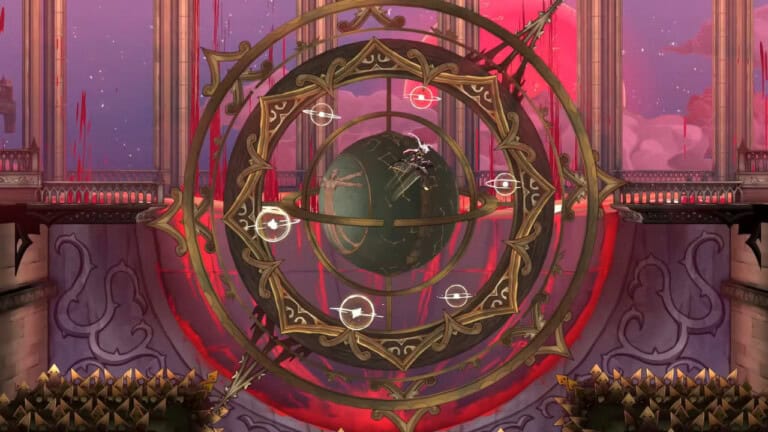
Although Castlevania: Belmont’s Curse doesn’t have a traditional New Game Plus mode, you can still use a post-credits Resume system on the same save file, after any ending. This guide will provide you with tips and tricks on how to access the Resume menu in the game and continue your playthrough.
How to Access Post-Credits Resume Mode

After the final credits are over, you can select the “Resume” option from the main menu and wake up at a Mirror of Life in the Master’s Quarters (Sanctuary of Solitude), retaining all of your equipment, abilities, Arcana, etc. Note that a second playthrough still requires you to start a new save file. Here’s what carries over on Resume:
- Full inventory;
- All unlocked abilities and movement upgrades;
- Arcana cards, spells, and upgrades;
- Map exploration and secret areas;
- Experience and progression.
Actually, nothing resets, and the world stays open for you to pick up all the missing collectibles and unlock the true ending, if you haven’t done so yet. You can also use it to unlock all the achievements that you haven’t been able to get during your first run.
How to Use New Game Plus Mod

If you’d like to experience a more classic New Game Plus Mode, with all your weapons and relics carried over into another playthrough but without copying the story or world progress, then it’s recommended to install the New Game Plus mod, created by RenegadeWorks. Here’s what this mod does in detail:
- Allows you to choose an existing save, but a separate destination run.
- When you load the destination slot, it imports all your weapons, relics, and movement abilities.
- It does not copy your story progress, world state, map exploration, and other progress.
- It does not include Arcana upgrades, talents, tasks, spells, level, XP, or stats.
If this looks like a solid way to start New Game Plus in the game, then here’s how to install this mod:
- Extract the main archive labeled “Bepinex” next to the game executable.
- Launch the game once and close it so the config file is generated.
- Back up all of your previous save files.
- Edit the config file: BepInEx/config/local.belmont.newgameplus.cfg
- Set: SourceSlot and DestinationSlot to different save numbers (starting at 1).
- Set: EnableForNextNewGame=true.
- Launch the game and load the destination slot.
- Check that the imported equipment and abilities are present, then save at a Mirror of Life.
Note that removing the plugin does not undo items that you have already imported and saved in the destination file. If you wish to reverse any changes, simply restore your own save backups.